
IPTV for Firestick UK 2025 - Complete Setup Guide
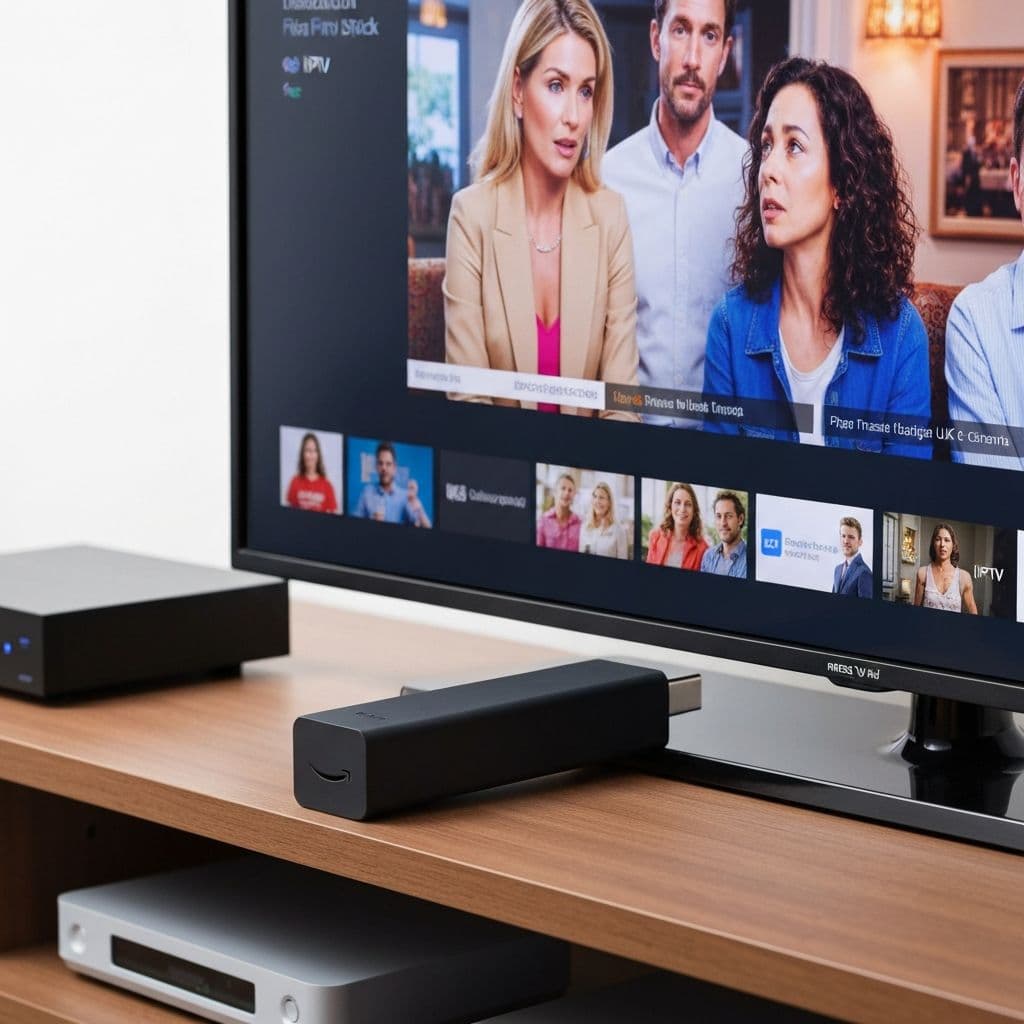
Want to watch IPTV on your Firestick in the UK? AmbKonnect makes it incredibly easy to transform your Amazon Fire TV Stick into the ultimate entertainment hub with over 12,000 live channels, Premier League football, movies, and HD/4K streaming. This complete guide shows you exactly how to install and setup IPTV on Firestick UK in just 5 minutes.
Why AmbKonnect IPTV is Perfect for Firestick UK Users
The Amazon Firestick is the most popular streaming device in the UK, and for good reason. When you combine it with AmbKonnect IPTV, you get unbeatable value and performance. Here's why thousands of customers in London, Manchester, Birmingham, and across the United Kingdom choose AmbKonnect for their Firestick:
- Optimised for Firestick - Our IPTV apps run smoothly on all Fire TV Stick models (4K, Max, Lite)
- 12,000+ UK Channels - Including Sky Sports, BT Sport, BBC, ITV, movies, and entertainment
- HD & 4K Streaming - Crystal-clear quality with anti-buffering technology
- 5-Minute Setup - Easy installation with step-by-step instructions
- No Technical Skills Required - User-friendly interface designed for everyone
- UK Support - 24/7 assistance via email at support@ambkonnect.com
What You Need Before Getting Started
Before installing IPTV for Firestick UK, make sure you have:
- Amazon Fire TV Stick (any model: 4K, Max, Lite, or standard)
- Active Internet Connection (minimum 25 Mbps recommended for HD)
- AmbKonnect Subscription (starting from £15/month - view pricing plans)
- Your Login Credentials (sent via email after purchase)
Most UK homes with standard broadband (50 Mbps+) will have no issues streaming in HD or 4K. If you're in London, Manchester, Birmingham, or any major UK city with fibre broadband, you're all set!
Step-by-Step: How to Install IPTV on Firestick UK (2025 Method)
Method 1: Using TiviMate (Recommended for UK Users)
TiviMate is the most popular IPTV player for Firestick in the UK. It offers an excellent EPG (Electronic Programme Guide), smooth performance, and works perfectly with AmbKonnect. Here's how to install it:
Step 1: Enable Apps from Unknown Sources
- On your Firestick home screen, navigate to Settings
- Select My Fire TV (or Device & Software)
- Click on Developer Options
- Turn on Apps from Unknown Sources
- Click Turn On when the warning appears
Step 2: Install Downloader App
- Return to Firestick home screen and select the Search icon (magnifying glass)
- Type "Downloader" and select it from results
- Download and install the Downloader app by AFTVnews
- Open the Downloader app once installed
Step 3: Download TiviMate IPTV Player
- In the Downloader app, enter the TiviMate download URL in the text field
- Click Go and wait for the APK to download
- When prompted, click Install
- Once installed, click Done (keep the APK if you want, or delete it)
Step 4: Configure TiviMate with AmbKonnect
- Open TiviMate from your Firestick apps
- Click Add Playlist
- Select Enter URL or Xtream Codes API
- Choose Xtream Codes API
- Enter your AmbKonnect login credentials:
- Server URL: [provided in your welcome email]
- Username: [your AmbKonnect username]
- Password: [your AmbKonnect password]
- Click Add and wait for channels to load
- That's it! You now have access to 12,000+ channels
Method 2: Using IPTV Smarters Pro
IPTV Smarters Pro is another excellent option for UK Firestick users:
- Open the Amazon App Store on your Firestick
- Search for "IPTV Smarters Pro"
- Download and install the app (it's free)
- Open IPTV Smarters Pro
- Select Login with Xtream Codes API
- Enter your AmbKonnect credentials (server URL, username, password)
- Click Add User and start watching
Best Settings for IPTV on Firestick UK
To get the best streaming experience with AmbKonnect IPTV for Firestick UK, configure these settings:
TiviMate Optimal Settings:
- Buffer Size: Set to Large (Settings → Playback → Buffer Size)
- EPG: Enable automatic EPG updates (Settings → EPG)
- Video Quality: Select "Auto" or "Best Available"
- Hardware Acceleration: Turn ON for smoother playback
- Resume Playback: Enable to continue where you left off
Firestick System Settings:
- Display: Settings → Display & Sounds → Video Output → Set to 4K (if you have 4K TV and Firestick 4K)
- Clear Cache: Regularly clear cache (Settings → Applications → Manage Installed Applications)
- Turn Off Data Monitoring: Settings → Preferences → Data Monitoring → Turn OFF
What Channels Can I Watch with AmbKonnect on Firestick?
Once you've installed IPTV on your Firestick UK, you'll have instant access to our complete IPTV UK channels lineup:
UK Sports Channels:
- Sky Sports (all channels including Premier League, Football, Cricket)
- BT Sport (Champions League, European football)
- Premier League TV, ESPN, Eurosport
- Boxing, UFC, WWE, rugby, cricket
UK Entertainment:
- BBC One, BBC Two, ITV, Channel 4, Channel 5
- Sky Atlantic, Sky Comedy, Sky Witness
- Comedy Central, Dave, Gold, Drama
Movies & Cinema:
- Sky Cinema (all channels)
- Film4, TCM, Movies 24
- VOD library with thousands of titles
Plus:
- News channels (BBC News, Sky News, CNN)
- Kids channels (CBeebies, CBBC, Nickelodeon, Disney)
- Documentaries (National Geographic, Discovery, History)
- International channels from around the world
Troubleshooting IPTV on Firestick UK
Issue: Buffering or Freezing
If your IPTV Firestick UK stream is buffering:
- Check your internet speed (minimum 25 Mbps for HD)
- Increase buffer size in TiviMate settings
- Close background apps on Firestick
- Move Firestick closer to your WiFi router or use Ethernet adapter
- Restart your Firestick and router
Issue: Login Failed
If you can't log in to AmbKonnect:
- Double-check your username and password (case-sensitive)
- Ensure you're entering the correct server URL
- Check that your subscription is active
- Contact UK support at support@ambkonnect.com
Issue: No EPG (Programme Guide)
- Go to TiviMate Settings → EPG
- Enable "Auto-update EPG"
- Manually refresh EPG data
- Wait 5-10 minutes for EPG to fully load
Is Using VPN Necessary for IPTV on Firestick UK?
While AmbKonnect is a legitimate IPTV provider, some UK users choose to use a VPN (Virtual Private Network) for additional privacy and to prevent ISP throttling. Popular VPNs for Firestick include:
- ExpressVPN - Fast UK servers, easy Firestick setup
- NordVPN - Affordable with good performance
- Surfshark - Budget-friendly option
A VPN can help if your UK ISP (like BT, Sky, Virgin Media, or TalkTalk) is throttling streaming traffic. However, it's optional for using AmbKonnect IPTV.
AmbKonnect IPTV Pricing for Firestick UK Users
Our IPTV subscription plans work perfectly on Firestick and all other devices:
- Monthly Plan: £15/month - Perfect for testing
- 3-Month Plan: £30 (save 17%) - Most popular choice
- 12-Month Plan: £80 (save 41%) - Best value for long-term users
All plans include the complete channel lineup, HD/4K quality, multi-device support, EPG guide, VOD library, and 24/7 UK support. 24-hour trial available - try before you commit!
Frequently Asked Questions: IPTV for Firestick UK
Can I use AmbKonnect on multiple Firesticks?
Yes! Your AmbKonnect subscription supports up to 5 simultaneous streams. You can install IPTV on multiple Firesticks around your home in London, Manchester, or anywhere in the UK.
Does it work on Fire TV Stick Lite?
AmbKonnect IPTV works perfectly on all Firestick models including Fire TV Stick Lite, Fire TV Stick 4K, Fire TV Stick 4K Max, and Fire TV Cube.
Will my Firestick slow down?
Our IPTV apps are lightweight and won't slow down your Firestick. For best performance, clear cache regularly and close unused apps.
Can I watch recordings?
TiviMate offers a recording feature if you upgrade to TiviMate Premium. AmbKonnect also provides VOD (Video on Demand) content that you can watch anytime.
Is this legal in the UK?
IPTV technology is legal in the UK. AmbKonnect operates as a legitimate IPTV provider serving customers across the United Kingdom. Users are responsible for ensuring their usage complies with local regulations.
Get Started with AmbKonnect IPTV on Your Firestick Today
Ready to transform your Amazon Fire TV Stick into the ultimate entertainment system? Join thousands of satisfied UK customers in London, Manchester, Birmingham, Leeds, and Glasgow who stream 12,000+ channels in HD/4K quality with AmbKonnect IPTV.
With prices starting from just £15/month, instant activation, and easy 5-minute setup, there's no reason to wait. Our UK support team is standing by to help with installation and answer any questions.
Need help with installation? Our UK support team is available 24/7 at support@ambkonnect.com. We'll guide you through every step!