
Advanced IPTV Buffering Fix UK 2026: 15 Expert Solutions That Actually Work
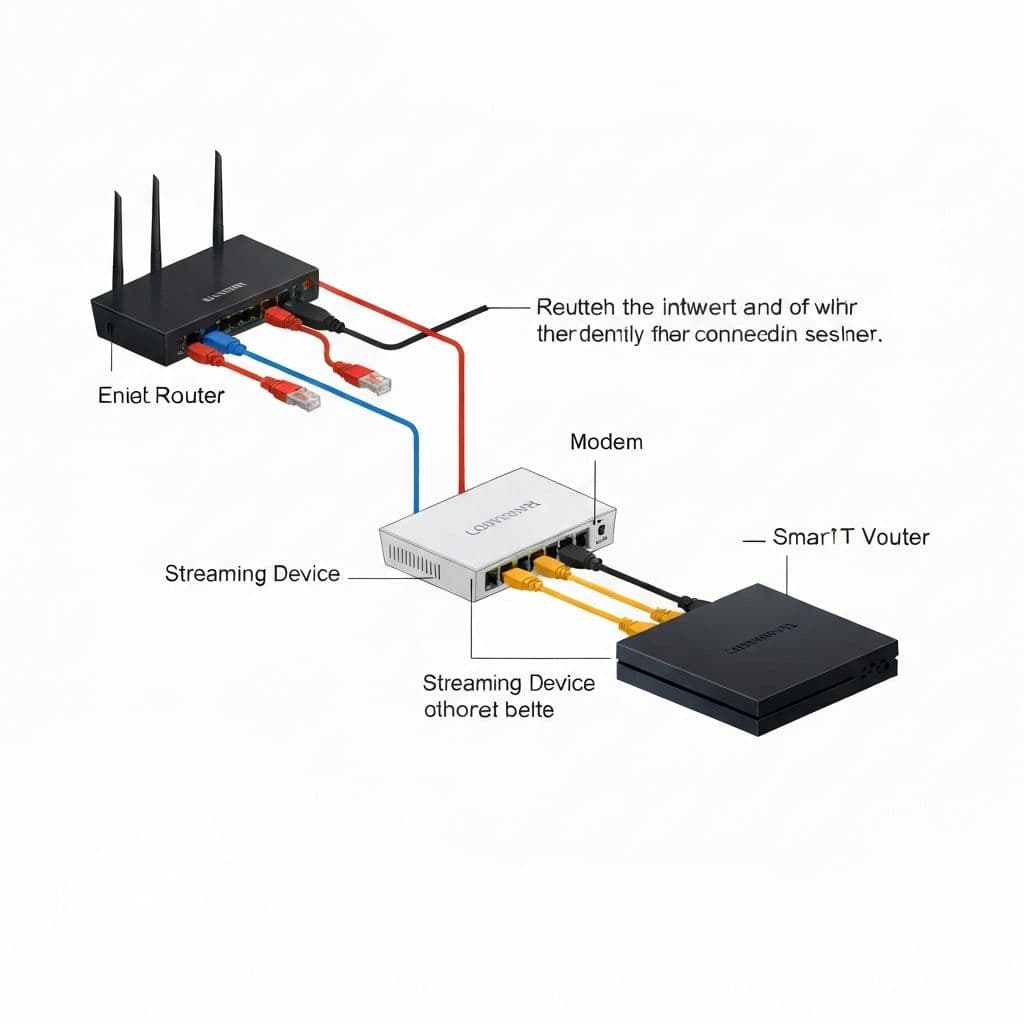
Buffering is the ultimate IPTV killer. This comprehensive guide provides 15 advanced solutions to eliminate buffering, freezing, and lag for smooth UK IPTV streaming in 2026.
Quick Buffering Diagnosis
Before diving into fixes, identify your issue:
- Constant buffering: Network or provider issue
- Peak hour buffering: Server overload or bandwidth throttling
- Specific channel buffering: Stream quality or source problem
- All apps buffer: Device or internet problem
Understanding IPTV Buffering
Buffering occurs when your device can't download stream data fast enough to maintain smooth playback. Common causes:
- Insufficient internet speed
- Network congestion
- Overloaded IPTV servers
- Device performance issues
- ISP throttling
- Poor Wi-Fi signal
- Incorrect app settings
Solution 1: Test and Upgrade Internet Speed
Minimum Requirements:
- SD streams: 5 Mbps
- HD streams: 15-20 Mbps
- 4K streams: 30-50 Mbps
- Multiple devices: Add 10-15 Mbps per stream
Action Steps:
- Run speed test at speedtest.net during peak hours
- Test while IPTV is buffering to see actual available bandwidth
- If consistently below requirements, upgrade your broadband plan
- Consider fibre if available in your area
Solution 2: Switch to Ethernet Connection
Wi-Fi introduces latency and packet loss. Wired connections provide:
- 30-50% faster speeds
- Zero interference
- Consistent latency
- No signal drops
Implementation:
- Run Cat6 or Cat7 ethernet cable from router to device
- Use powerline adapters if direct cable not possible
- Disable Wi-Fi on streaming device once connected
Solution 3: Optimize Router Settings
Advanced Router Configuration:
Enable QoS (Quality of Service)
- Access router admin panel (usually 192.168.1.1)
- Find QoS or Traffic Management section
- Set streaming device as highest priority
- Assign bandwidth allocation: 60-70% to IPTV device
Change DNS Servers
UK ISP DNS can be slow. Switch to faster alternatives:
- Cloudflare: 1.1.1.1 and 1.0.0.1
- Google: 8.8.8.8 and 8.8.4.4
- Quad9: 9.9.9.9 and 149.112.112.112
Optimize Wi-Fi (If Ethernet Impossible)
- Use 5GHz band instead of 2.4GHz
- Select channel 36, 40, 44, or 48 to avoid interference
- Enable Wi-Fi 6 (802.11ax) if supported
- Position router centrally with clear line-of-sight
Solution 4: Configure IPTV Player Settings
Buffer Size Adjustment
In apps like IPTV Smarters Pro or TiviMate:
- Go to Settings → Player Settings
- Find Buffer/Cache settings
- Increase buffer from default 1-2 seconds to 3-5 seconds
- For very slow connections, try 5-10 seconds
Stream Format Selection
Switch between formats to find best performance:
- HLS (HTTP Live Streaming): Best for stability, works over HTTP
- MPEG-TS: Lower latency, better for fast internet
- RTMP: Good for stable connections
Hardware Acceleration
- Enable hardware decoding in player settings
- Use device GPU instead of software decoding
- Reduces CPU load by 60-80%
Solution 5: Device Optimization
For Firestick/Fire TV
- Clear app cache regularly (Settings → Applications → Manage Installed Apps)
- Uninstall unused apps
- Disable background processes
- Restart device weekly
- Update to latest Fire OS
For Android TV Boxes
- Close all background apps before streaming
- Use RAM cleaning apps (but disable during streaming)
- Disable auto-updates during viewing hours
- Factory reset if box is older than 2 years
For Smart TVs
- Update TV firmware to latest version
- Clear app data monthly
- Disable unused smart features
- Turn off motion smoothing and processing
Solution 6: Use VPN to Bypass ISP Throttling
UK ISPs like Virgin Media, BT, and TalkTalk may throttle IPTV traffic during peak hours.
Recommended VPNs for UK IPTV:
- NordVPN: Fast UK servers, no logs, works on all devices
- ExpressVPN: Fastest speeds, premium pricing
- Surfshark: Budget-friendly, unlimited devices
- CyberGhost: Good UK server coverage
Setup Tips:
- Choose UK server closest to your location
- Use OpenVPN or WireGuard protocol
- Enable split tunneling to only VPN IPTV app
- Test speeds with VPN on vs off
Solution 7: Change IPTV Stream Quality
Not all connections can handle 4K or even HD:
- If buffering on 4K: Switch to HD (1080p)
- If HD buffers: Try 720p
- Persistent issues: Use SD (480p) temporarily
Better to watch smooth SD than stuttering 4K.
Solution 8: Server Selection (If Available)
Quality providers like AmbKonnect offer multiple servers:
- Check if your IPTV app allows server switching
- Try different servers during buffering
- Note which server works best for your location
- Save preference in app settings
Solution 9: Update IPTV App
Outdated apps cause compatibility issues:
- Check for app updates in your device's app store
- Uninstall and reinstall if updates don't help
- Try alternative IPTV players (TiviMate, IPTV Smarters, Perfect Player)
Solution 10: Reduce Network Congestion
Other devices compete for bandwidth:
- Pause downloads/uploads during IPTV streaming
- Disconnect devices not in use
- Schedule backups and updates for off-hours
- Disable cloud sync services temporarily
- Ask family members to limit streaming on other devices
Solution 11: Factory Reset Router
Routers accumulate issues over time:
- Backup router settings before reset
- Hold reset button for 10-30 seconds
- Reconfigure Wi-Fi and passwords
- Re-enable QoS and other optimizations
- Update router firmware after reset
Solution 12: Upgrade Router Hardware
ISP-provided routers are often underpowered. Consider:
- Budget: TP-Link Archer AX55 (£80-100)
- Mid-range: ASUS RT-AX86U (£150-200)
- Premium: Netgear Nighthawk RAX200 (£300+)
Look for Wi-Fi 6, QoS support, and gigabit ethernet ports.
Solution 13: Contact Your IPTV Provider
If you've tried everything, the issue may be provider-side:
- Report specific channels that buffer
- Provide screenshots and error messages
- Ask if servers are overloaded
- Request server change or alternative playlist
Quality providers like AmbKonnect respond within hours and actively fix issues.
Solution 14: Switch to Better IPTV Provider
Sometimes the provider is the problem. Signs you need to switch:
- Constant buffering despite good internet
- Provider unresponsive to support requests
- Frequent server downtime
- Outdated channel list
- Other users report same issues
AmbKonnect: Anti-Buffer Technology
AmbKonnect uses advanced infrastructure to eliminate buffering with CDN distribution, load-balanced servers, adaptive bitrate streaming, and 99.9% uptime guarantee.
Use code AMB20 for 20% off any plan.
Try AmbKonnect Free for 24 HoursSolution 15: Timing Your Viewing
As a last resort, avoid peak congestion hours:
- Peak times: 6-11 PM weekdays, match days
- Best times: Early morning, mid-afternoon
- Use catch-up features to watch later
- Record (if your service supports it) for playback during off-peak
Advanced Troubleshooting Checklist
Work through this checklist systematically:
- ✅ Internet speed test: 20+ Mbps?
- ✅ Ethernet connection or strong Wi-Fi signal?
- ✅ Router QoS enabled and configured?
- ✅ DNS changed to Cloudflare or Google?
- ✅ IPTV app updated to latest version?
- ✅ Buffer size increased to 3-5 seconds?
- ✅ Hardware acceleration enabled?
- ✅ Device cache cleared recently?
- ✅ Other devices disconnected?
- ✅ VPN tested to bypass throttling?
- ✅ Stream quality lowered to HD or SD?
- ✅ Alternative server tried?
- ✅ Provider contacted about issues?
- ✅ Router restarted/reset?
- ✅ Different IPTV player tested?
When Nothing Works: Nuclear Options
If you've exhausted all solutions:
- Change ISP: Some UK ISPs heavily throttle streaming
- Upgrade to business broadband: No throttling, faster speeds
- Use 4G/5G hotspot: Mobile data as backup for important matches
- Switch to premium IPTV: Invest in top-tier service with better infrastructure
Prevention: Maintaining Buffer-Free Streaming
Once you've fixed buffering, maintain performance:
- Restart router weekly
- Clear IPTV app cache monthly
- Update apps and firmware regularly
- Monitor internet speeds monthly
- Keep device storage 20%+ free
- Test alternative servers occasionally
Conclusion
Buffering doesn't have to ruin your IPTV experience. By systematically working through these 15 solutions, you can identify and fix the root cause. Most issues stem from network problems, device limitations, or poor provider infrastructure.
If you've optimized everything on your end and still face buffering, it's time to switch to a reliable provider. AmbKonnect's anti-buffer technology and UK-optimized servers ensure smooth streaming even during peak hours.
Ready for buffer-free IPTV? Start your 24-hour free trial and experience the difference proper infrastructure makes.