
Best IPTV App for Samsung Smart TV UK 2026: Complete Guide
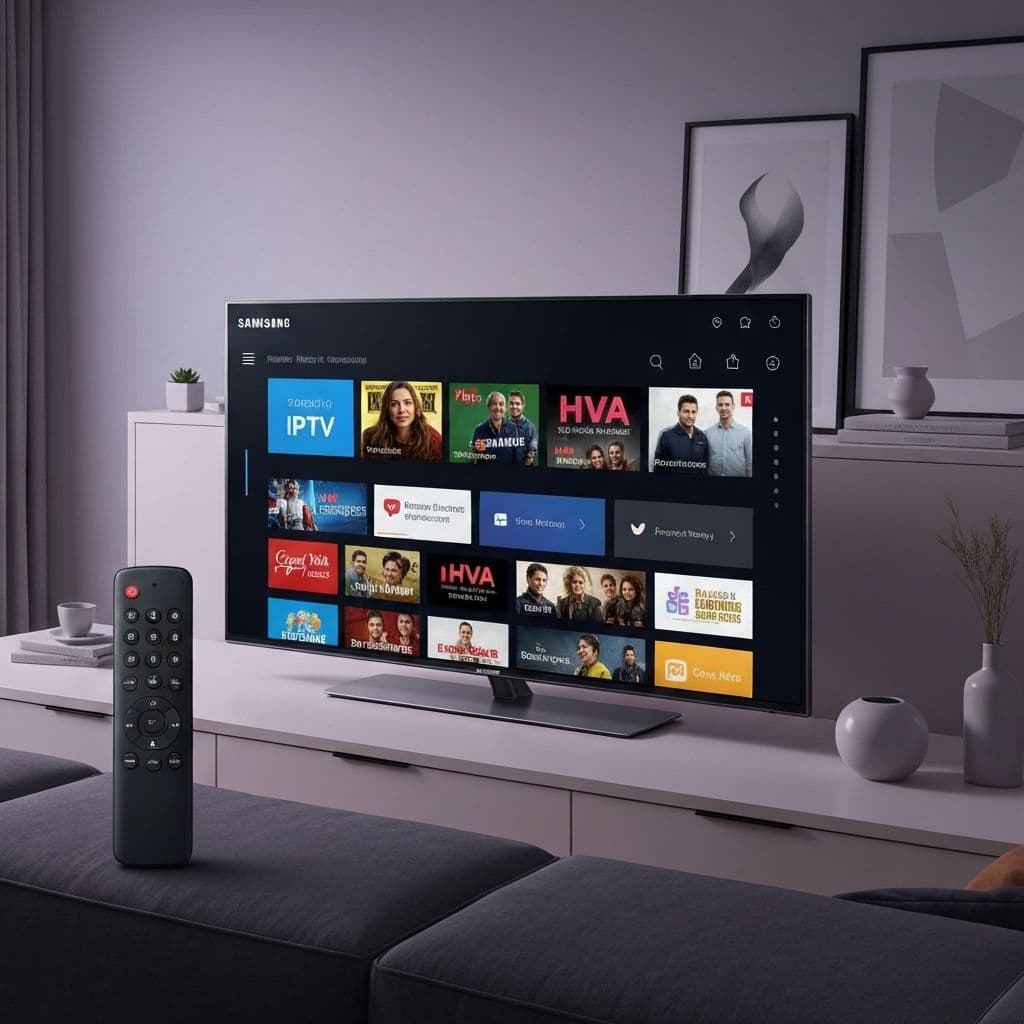
Samsung Smart TVs offer stunning displays perfect for IPTV streaming. This comprehensive guide reveals the best IPTV apps for Samsung TVs in 2026, with detailed setup instructions and optimization tips.
Why Samsung Smart TVs Are Perfect for IPTV
Samsung Smart TVs running Tizen OS provide several advantages for IPTV streaming:
- Native app support - Install IPTV apps directly without external devices
- 4K/8K displays - Exceptional picture quality for premium content
- Powerful processors - Smooth playback without buffering
- Smart Hub integration - Easy access to all your streaming apps
- Large screen sizes - Immersive viewing experience
Top 5 IPTV Apps for Samsung Smart TV 2026
1. IPTV Smarters Pro for Samsung
IPTV Smarters Pro leads the pack for Samsung Smart TVs with its intuitive interface and comprehensive features:
- Full EPG support with 7-day guide
- VOD library with search and categories
- Catch-up TV functionality
- Parental controls
- Multi-language support
- 4K streaming capability
Best for: Users wanting a complete, feature-rich IPTV solution
2. Smart IPTV (sIPTV)
One of the most popular choices for Samsung TVs, offering:
- Simple m3u playlist import
- EPG integration
- Channel grouping
- Favorites list
- Remote playlist management
Best for: Users who prefer simplicity and reliability
3. Flix IPTV
Growing in popularity with Samsung users for:
- Clean, modern interface
- Excellent EPG support
- Fast channel switching
- VOD integration
- Regular updates
Best for: Users wanting modern design with solid performance
4. OTT Navigator IPTV
Advanced app offering:
- Highly customizable interface
- Advanced EPG features
- Recording capabilities
- Multi-playlist support
- Timeshift function
Best for: Power users who want maximum customization
5. AmbKonnect Native App
Designed specifically for AmbKonnect subscribers:
- Pre-configured for instant streaming
- Optimized for AmbKonnect servers
- One-click installation
- Automatic updates
- 24/7 dedicated support
Best for: AmbKonnect customers wanting the easiest setup
How to Install IPTV on Samsung Smart TV
Method 1: Smart Hub Installation (Recommended)
- Press the Home button on your Samsung remote
- Navigate to Apps
- Search for your chosen IPTV app (IPTV Smarters, Smart IPTV, etc.)
- Click Install
- Open the app once installed
- Enter your IPTV credentials or m3u URL
- Start streaming
Method 2: Tizen Studio Sideloading (Advanced)
For apps not available in Samsung App Store:
- Enable Developer Mode on your Samsung TV
- Download and install Tizen Studio on your computer
- Download the IPTV app .wgt file
- Connect to your TV via Tizen Studio
- Install the app remotely
- Launch from Smart Hub
Method 3: M3U Playlist via Browser
- Open the Samsung Internet browser
- Visit your IPTV provider's web player
- Login with your credentials
- Bookmark the page for easy access
- Stream directly through browser
Optimizing IPTV Performance on Samsung TV
Network Setup
- Use Ethernet - Wired connection provides stable streaming
- Wi-Fi 6 router - If wireless, ensure you have modern router
- QoS settings - Prioritize your TV's traffic
- 50+ Mbps speed - Required for 4K content
TV Settings Optimization
- Disable auto-updates during viewing hours
- Clear app cache regularly
- Turn off unnecessary background apps
- Enable Game Mode for reduced input lag
- Adjust picture settings for streaming content
App-Specific Settings
- Select HLS streaming format for stability
- Enable hardware acceleration
- Set buffer size to 3-5 seconds
- Disable auto-play previews
- Configure EPG refresh intervals
Troubleshooting Common Issues
App Won't Install
Solution: Ensure your Samsung TV is updated to latest firmware. Some older models may not support newer apps. Check your region settings as some apps are region-locked.
Buffering During Playback
Solution: Test internet speed, switch to wired connection, lower stream quality temporarily, or contact your IPTV provider about server issues.
EPG Not Loading
Solution: Verify EPG URL in app settings, check timezone settings, manually refresh EPG data, or ensure EPG service is included with your subscription.
Audio Out of Sync
Solution: Adjust audio delay in TV settings, switch audio output mode, restart the app, or try different streaming format (HLS vs MPEG-TS).
AmbKonnect: Optimized for Samsung Smart TVs
AmbKonnect offers the best IPTV experience for Samsung Smart TV owners in the UK with features designed specifically for Tizen OS:
- Native app support - Install directly from our guide
- 4K optimization - Stunning picture quality on QLED and Neo QLED TVs
- Smart Hub integration - Seamless access alongside other apps
- 12,000+ channels - All major UK broadcasters in HD/4K
- Anti-buffer technology - Smooth streaming even during peak hours
- Full EPG - 7-day TV guide for easy browsing
- 24/7 support - Help with setup and troubleshooting
Special Offer for Samsung Users
Get 20% off any AmbKonnect plan optimized for Samsung Smart TVs. Use code AMB20 at checkout.
Start Your Free TrialComparison: Native vs External Device
Should you use Samsung's native IPTV apps or an external device like Firestick?
Native IPTV Apps Pros:
- No additional hardware needed
- Clean setup with fewer cables
- Better integration with TV remote
- Optimized for Samsung displays
- Lower power consumption
Native IPTV Apps Cons:
- Limited app availability compared to Android
- Updates depend on developers supporting Tizen
- Some advanced features may be missing
External Device Pros:
- More app choices
- Easier sideloading
- Regular Android updates
- Can use across multiple TVs
External Device Cons:
- Additional cost (£50-100)
- Extra cables and power adapter
- Another remote to manage
- Takes up HDMI port
Verdict: For most Samsung Smart TV owners, native IPTV apps provide the best experience. Only consider external devices if you need specific apps unavailable on Tizen.
Legal Considerations
Using IPTV apps on Samsung Smart TVs is completely legal. However:
- Choose reputable IPTV providers with proper infrastructure
- Avoid services making unrealistic content claims
- Use VPN for additional privacy if desired
- Ensure your provider operates legally
Future of IPTV on Samsung TVs
Samsung continues to improve Tizen OS for streaming:
- 8K streaming support - Already available on flagship models
- AI upscaling - Enhanced picture quality for HD content
- Game Mode Plus - Optimized for low-latency streaming
- SmartThings integration - Control IPTV with voice commands
Frequently Asked Questions
Do I need a Firestick for IPTV on Samsung TV?
No, Samsung Smart TVs can run IPTV apps natively through the Smart Hub. You don't need any external device for most IPTV services.
Which Samsung TV models support IPTV apps?
All Samsung Smart TVs from 2016 onwards running Tizen OS support IPTV apps. Newer models (2020+) offer better performance and 4K streaming.
Can I use multiple IPTV apps on my Samsung TV?
Yes, you can install multiple IPTV apps and switch between them. This lets you test different interfaces and features to find your favorite.
How do I update IPTV apps on Samsung TV?
Apps update automatically through Smart Hub. You can also manually check for updates by going to Apps, selecting the app, and choosing Update if available.
Will IPTV work on older Samsung Smart TVs?
IPTV apps work on most Samsung Smart TVs from 2016+. Older models may experience performance issues with 4K content or have limited app availability.
Conclusion
Samsung Smart TVs provide an excellent platform for IPTV streaming without needing external devices. With apps like IPTV Smarters Pro, Smart IPTV, and AmbKonnect's native solution, you can enjoy thousands of channels in stunning quality.
Ready to transform your Samsung TV into the ultimate streaming hub? Start your 24-hour free trial with AmbKonnect and experience premium IPTV optimized for Samsung Smart TVs.